
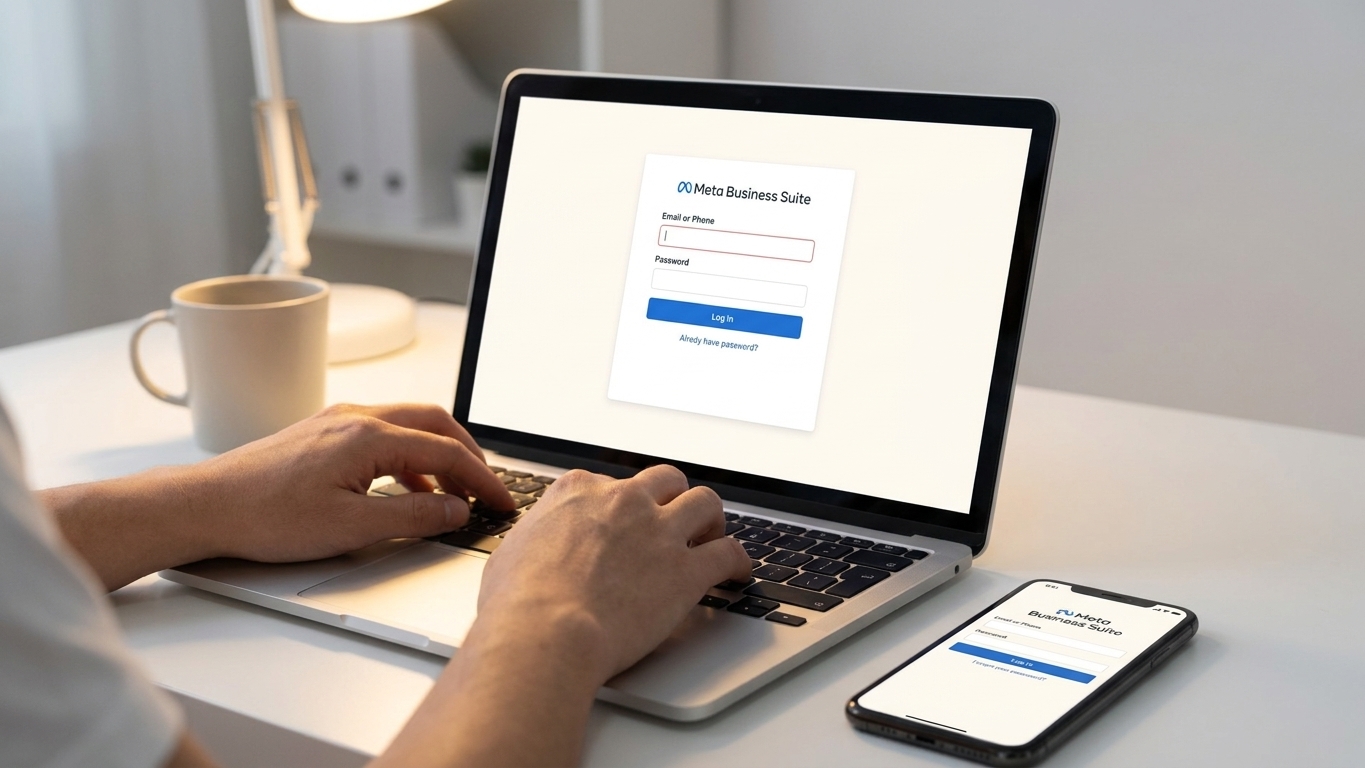
meta business suite is where every facebook and instagram ad account, page, and inbox lives — logging in wrong, or landing in the old creator studio by mistake, wastes time you don't have in 2026.
TL;DR: accessing meta business suite in 2026 comes down to three moves — confirm you have a facebook business account, go to business.facebook.com (or business.meta.com), then verify your business and link ad accounts and pages. searches for how to access meta business suite are running above 18,000 a month, mostly from marketers onboarding new clients or recovering locked accounts. verdict: use the desktop version at business.facebook.com for setup — role assignments and ad account linking are clumsy on the mobile app, and once you're in, a platform like ryze ai can take over the actual campaign management so you're not babysitting the dashboard every day.
why this matters
meta retired standalone business manager access points years ago and folded everything into meta business suite — pages, ads, inbox, insights, all in one login. if you're still bookmarking an old facebook.com/adsmanager link or a client sent you the wrong url, you'll hit permission errors that look like access problems but are really navigation problems.
getting this wrong costs actual time: agencies managing five or more client accounts in 2026 report losing 20-30 minutes per onboarding just from wrong-url confusion. the fix is a five-minute checklist, not a support ticket.
what you'll need
- a facebook account (personal, not a page) tied to the business you're managing
- an email address for the business (not a personal gmail if you're setting this up for a client)
- admin access already granted, or an invite link from the business owner
- your business's legal name and address if you're verifying a new business for the first time
- a phone number for two-factor authentication
- a platform like ryze ai if you plan to hand off actual ad management once you're inside
the steps
1. go to the right url
meta business suite lives at business.facebook.com or business.meta.com — both resolve to the same dashboard as of 2026. do not use facebook.com/business or the app store search bar first; both routes add extra clicks and sometimes drop you into the marketing tool landing page instead of the actual suite.
common mistake: bookmarking the old ads manager url and assuming it's the same thing. it isn't — ads manager is one tab inside meta business suite, not the entry point.
2. log in with your facebook account
meta business suite runs on your personal facebook login, not a separate business account system. click log in and use the facebook credentials tied to the business, then enable two-factor authentication if it isn't already on — this takes under 60 seconds and meta increasingly gates ad account access behind it.
expected outcome: you land on a business selector screen if you belong to more than one business, or straight into the dashboard if you only manage one.
3. create or select your business
if this is your first time in, click create a business account, enter the business name, your name, and a work email. if you're joining an existing business, you'll see it listed under business settings once an admin sends an invite.
common mistake: creating a second, duplicate business account because the first one didn't show up immediately — invites can take a few minutes to sync in 2026, so wait before creating a new one.
4. verify your business
meta asks for a legal business name, address, and phone number to unlock full ad spend limits and higher account trust. this step matters more in 2026 than it did a few years back — unverified businesses get throttled ad account creation and lower daily spend caps.
expected outcome: a green "verified" badge in business settings within 24-48 hours for most straightforward submissions.
5. connect ad accounts and pages
under business settings, go to accounts and add your ad account by id, or request access if a client owns it. do the same for facebook pages and instagram profiles you'll be advertising through.
why it matters: without this step, meta business suite shows an empty dashboard even though you're technically logged in — a blank screen is the #1 support question new users ask.
6. assign roles correctly
go to people under business settings and set roles as admin, employee, or partner depending on who needs what access. give agencies and freelancers partner access to specific ad accounts rather than full admin — it limits risk if that relationship ends.
common mistake: giving everyone admin access by default, which means anyone can remove anyone else, including you.
7. test access before you build campaigns
open ads manager from inside meta business suite and confirm you can see account spend, not just the dashboard shell. if ad account access shows "pending," wait for the owner to approve — building campaigns before approval clears just means redoing the setup.
troubleshooting
- "you don't have permission to access this" — you're logged into the wrong facebook profile, or your invite hasn't been accepted yet. log out fully and check which account you're using.
- ad account shows but spend data is blank — the account is likely unverified or under review; verification in 2026 can take up to 48 hours for new businesses.
- can't find the "create business" button — you may already belong to a business under a different email; check business.facebook.com/settings before creating a duplicate.
- two-factor code never arrives — switch from sms to an authenticator app inside facebook's security settings; sms delivery has gotten less reliable through 2026.
- page won't connect to the business — you need to be an admin on the page itself first, separate from being an admin on the business account.
- invite link expired — ask the business owner to resend; meta invite links typically expire after 7 days.
tools and resources
- ryze ai — once you're inside meta business suite, ryze ai connects to your ad accounts and automates campaign setup, creative generation, and optimization across meta, google, tiktok, and linkedin, so access isn't the bottleneck anymore
- meta's own business help center for verification status checks
- an authenticator app for two-factor login, since sms delays are common in 2026
- a shared password manager if multiple team members need business account credentials
what to do next
once you're in and roles are assigned, the real work is running campaigns without burning hours on manual setup. how to use claude ai for ppc management covers how to pair an ai layer with your meta and google accounts so audits and optimizations happen without you opening ads manager every morning.
faq
what's the fastest way to access meta business suite? go straight to business.facebook.com, log in with your facebook account, and select or create your business — skip the app store and any bookmarked ads manager links.
is meta business suite the same as business manager? yes, meta business suite replaced business manager as the primary interface; the underlying account structure is the same, just the dashboard changed.
do i need a facebook page to use meta business suite? yes, you need at least one facebook page connected to manage ads, since meta ties ad accounts to a page for identity and policy purposes.
how long does business verification take in 2026? most straightforward submissions clear in 24-48 hours; businesses with mismatched legal names or addresses can take longer.
can i access meta business suite from the app? yes, but role assignment and ad account linking are easier on desktop — use the app for daily monitoring, not initial setup.
why can't i see my client's ad account? you likely haven't been granted partner access yet; ask the account owner to add you under business settings > accounts.
what happens if i lose access to my facebook account? you lose access to any business tied to that login unless another admin can restore your permissions — this is why agencies should never run client businesses off one personal account.
is meta business suite free to use? access itself is free; you only pay for ad spend and any tools you connect on top of it, like an ai ad management platform.
one last thing
the access problem is rarely the login — it's role structure. most agencies in 2026 still hand out full admin access instead of partner-level permissions, and that's the setup that turns a client offboarding into a locked-out ad account nobody can touch. fix roles once, correctly, and access stops being a recurring support ticket.